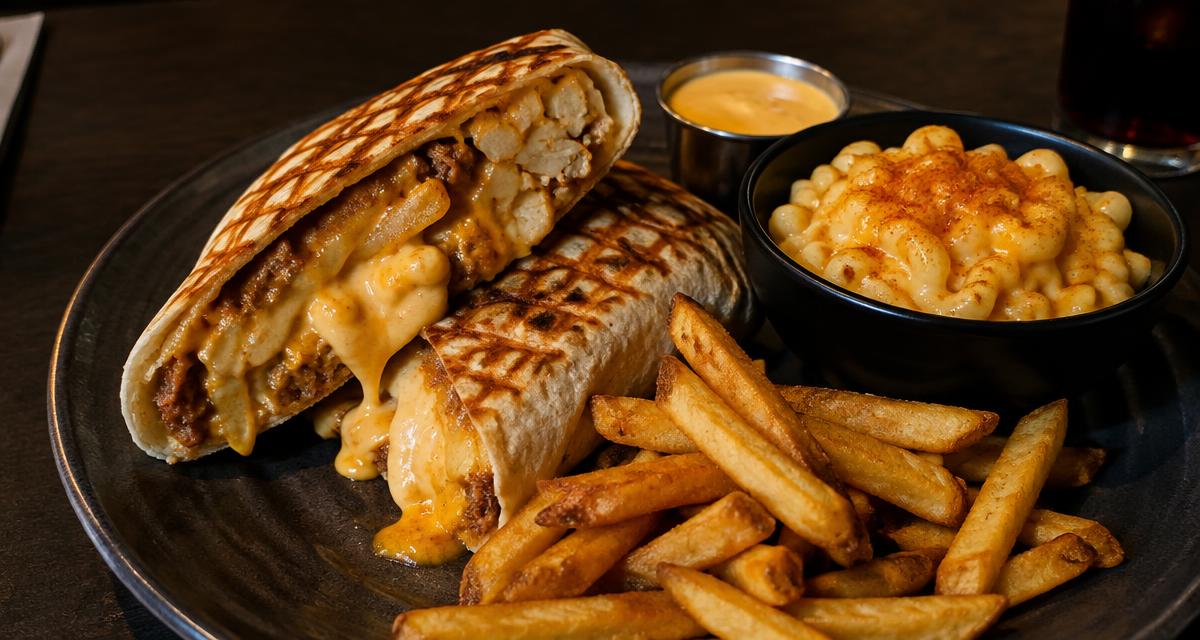
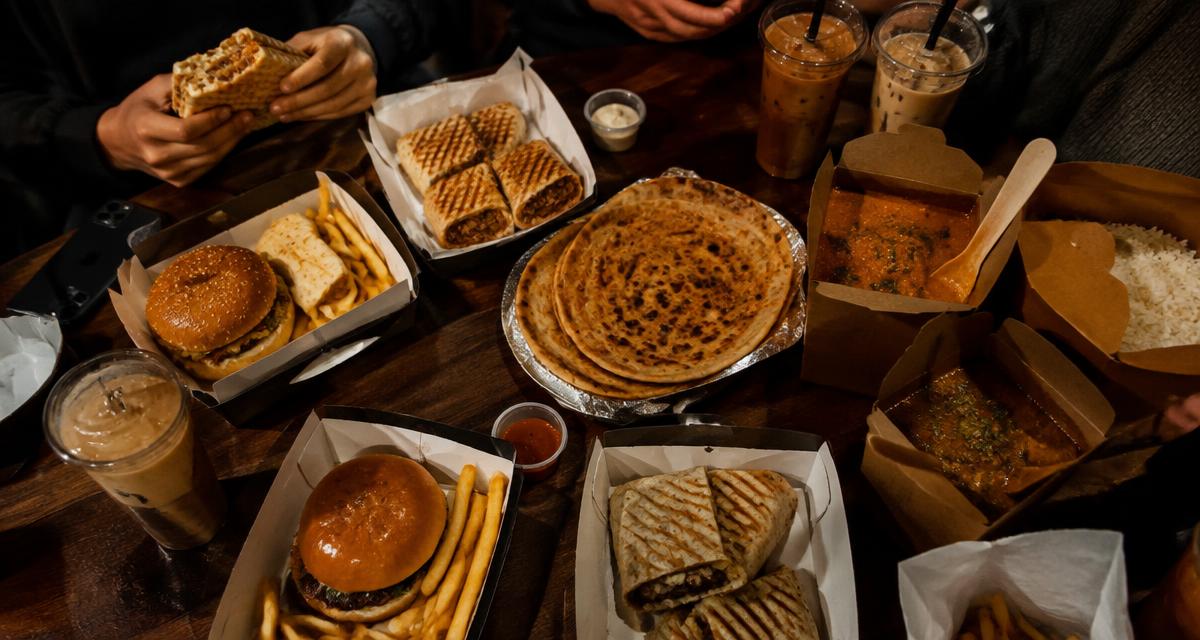
Different cravings can share one order. MealDeck group rooms bring Skorch, Tavo Chicken, Souvano, Load’d and Moktl into one organiser-reviewed order. Check group ordering availability before creating a room.
♦ Invite, choose and get ready
When group ordering is available, create a private room and share individual invitations. Invitees have three minutes to join. Each participant chooses and saves their food, then marks their choices ready. The organiser reviews the room before locking choices.
♦ Review food, then payment
The organiser checks everyone's food and itemised bills. The room shows the payment methods currently available: each participant pays for their own food, or the organiser pays the whole bill. The master order reaches the kitchen only after all required payments are verified.
♦ Check the current offers
Current member benefits and any time-limited offers are listed on the Offers page. Verified members earn points on eligible paid orders. Guest orders earn no points.
♦ Keep each person’s food together
The kitchen receives each participant's chosen name beside their food to help pack the group order correctly. Share each private invitation only with its intended recipient. Your personal menu basket remains separate.